On-screen
The workspace, broken into clear views
Screenshots and product art pulled only from this site’s images/ folder, with playlist-style views, instruments, and effects you can recognize on screen.
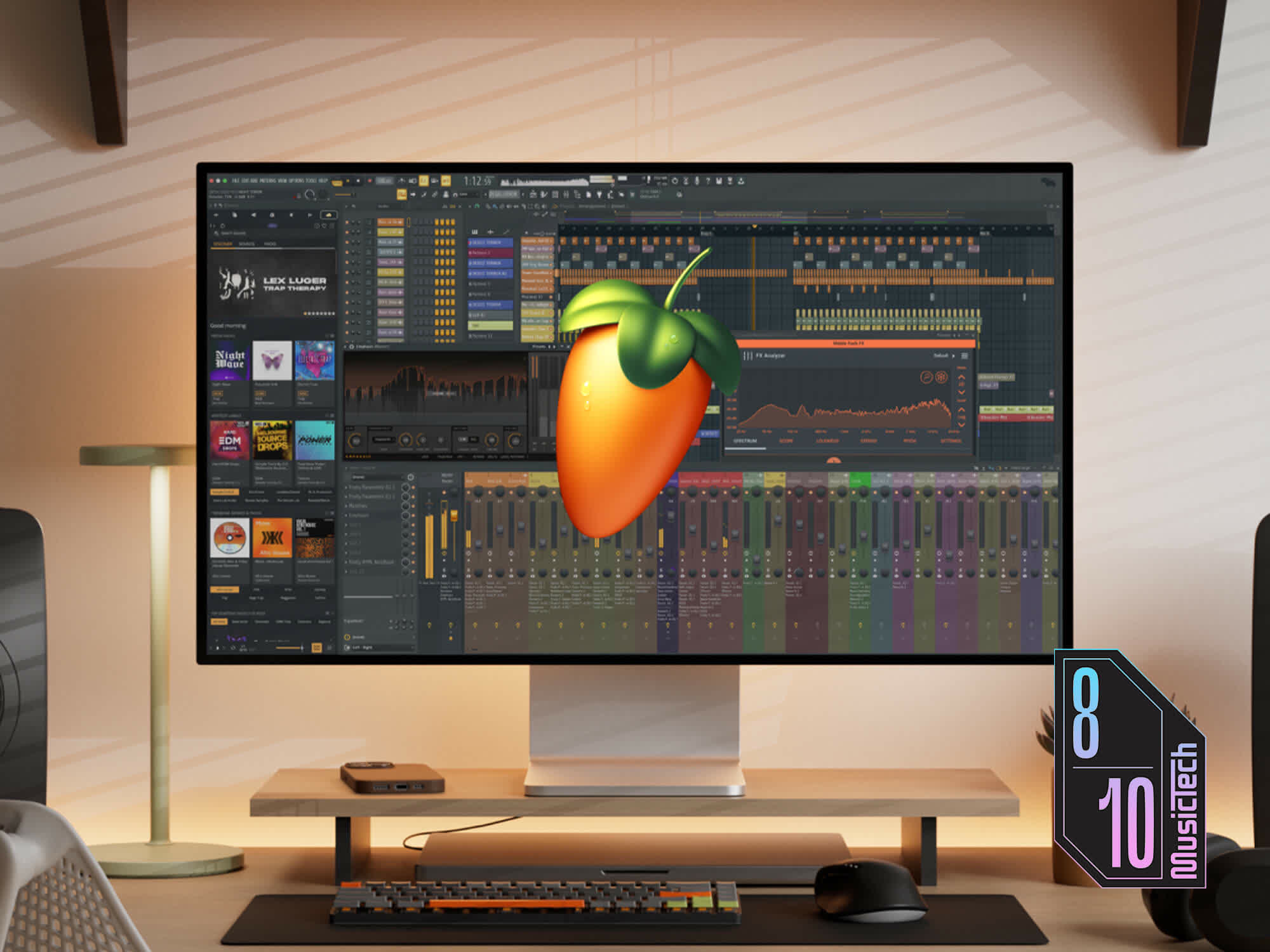
Playlist · lanes, clips, and arrangement blocks
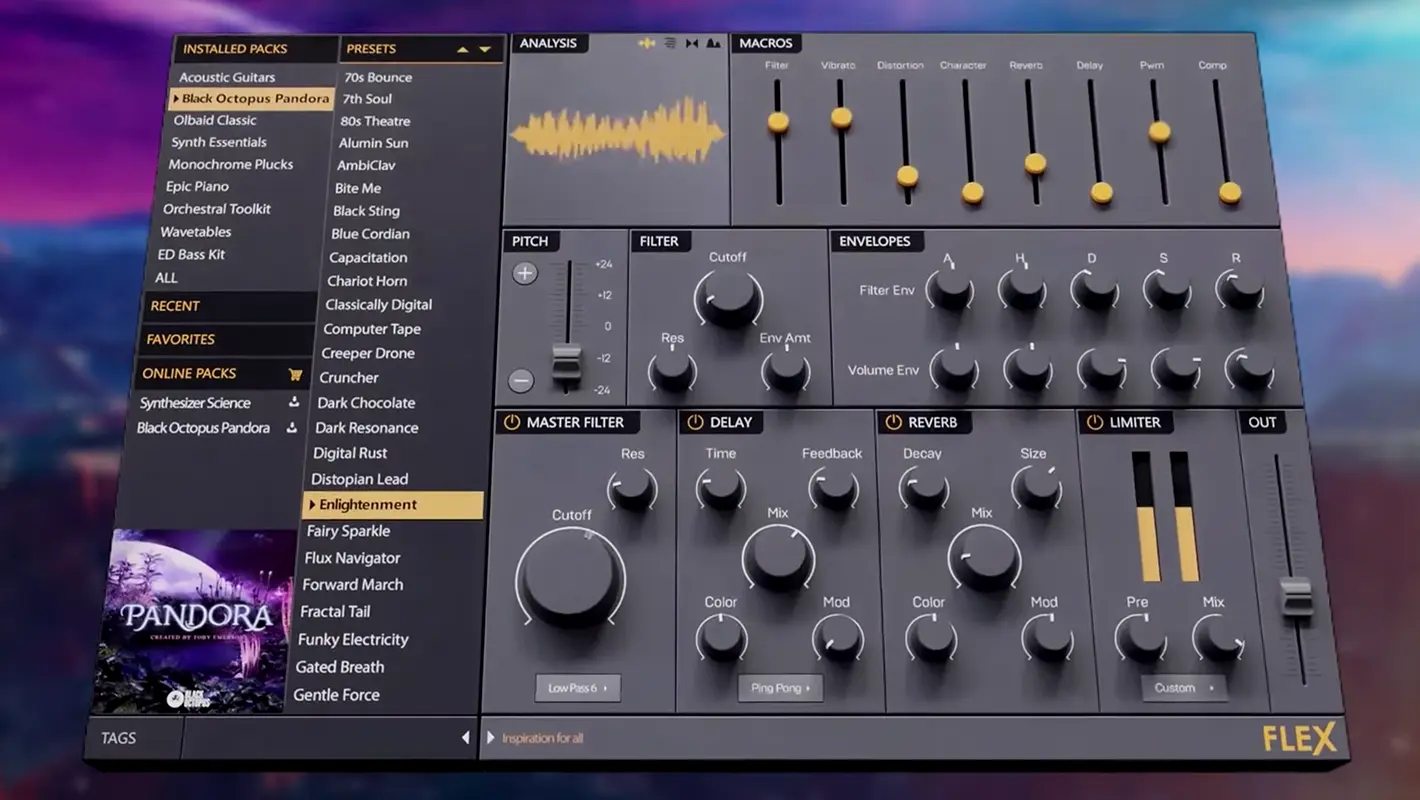
Piano roll · notes, grid, and edit focus
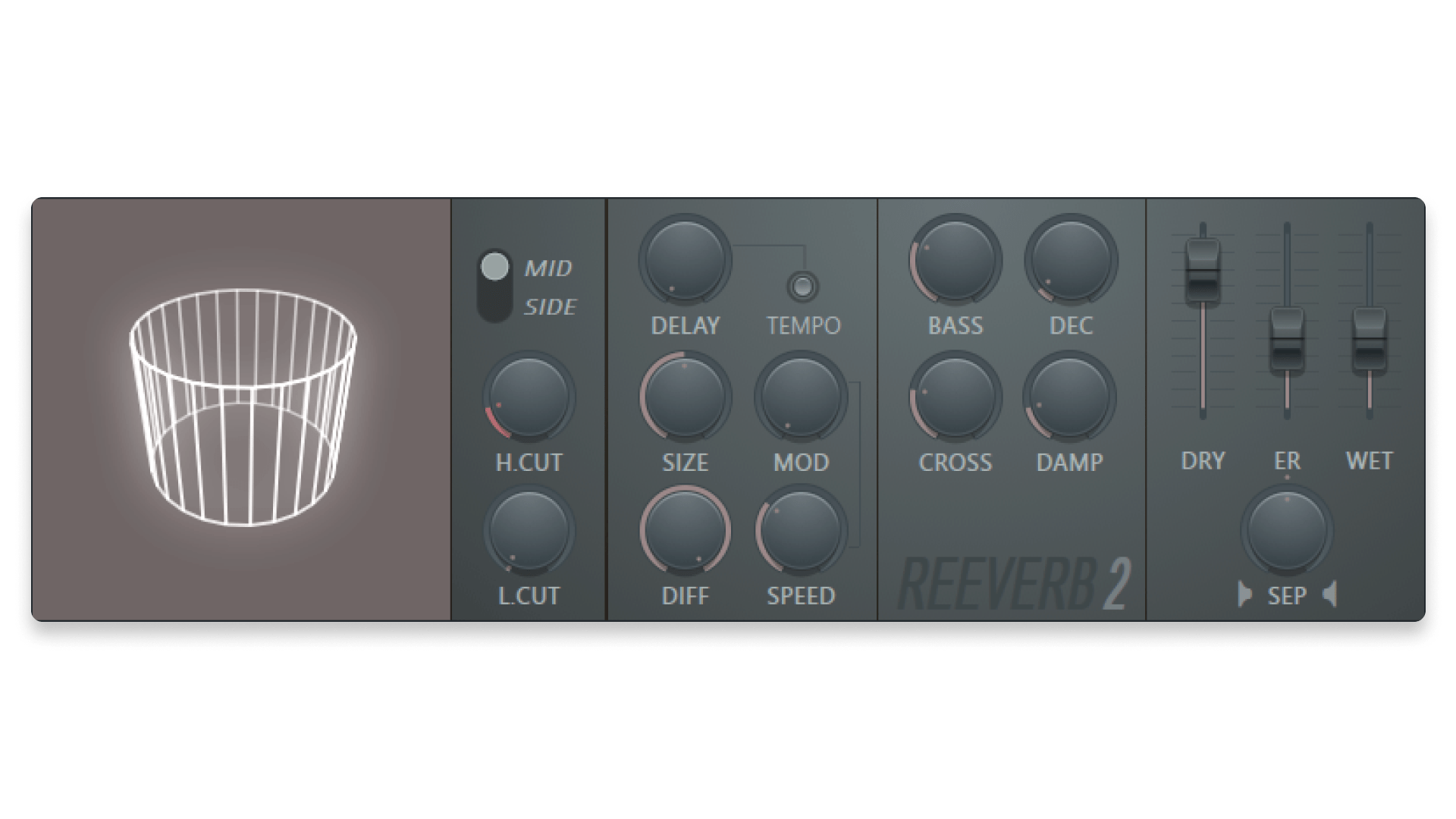
Mixer · inserts, faders, and master bus
How the views work together
The channel rack holds generators and instruments feeding the mixer. The playlist arranges time. The piano roll edits note data. The browser pulls in samples and presets. Muscle memory is faster when each window owns a clear question.
- Browser hygiene
- Star favorite packs, remove broken shortcuts, and preview at project loudness so level surprises do not derail takes.
- Mixer inserts
- Treat inserts left-to-right as gain, tone, dynamics, then space. Prefer sends to shared reverbs instead of cloning the same tail on many tracks.
- Piano roll focus
- Save zoom habits for one-bar hooks versus full phrases; ghost notes from chords speed up in-key lines without slowing you down.
- Transport habits
- Loop razor selections when comping; disable the metronome for vibe checks, then turn it back on for timing edits.
When screenshots help
Capture routing before major template surgery, share mixer strip states with collaborators, and document odd-but-working FX chains you will forget later.
When to zoom out
If one clip fights you for twenty minutes, render it, open a fresh playlist test, and judge the arrangement without the twenty-plugin chain attached.
A default session flow (tweak to taste)
- Confirm tempo, key, and meter so later time-stretch and sample choices stay coherent.
- Sketch drums and harmonic bed in patterns; move to playlist blocks before obsessive mixer moves.
- Route to busses early · kick/bass relationship is easier when they share a sub or sidechain plan.
- Print scratch vocals as audio once comping stabilizes; keep MIDI guide tracks muted underneath.
- Freeze or bounce CPU-heavy layers when you are no longer changing notes · mix with headroom, not fear.
Not a rulebook · if you are capturing live energy, invert the order and protect the take first.
Clip colors and groups
Color by role (drums, bass, FX) so the playlist reads like a score at a glance. Group parallel layers so one mute clears clutter.
Multiple monitors
Put the piano roll beside the playlist when editing notes; park the mixer on a vertical display for long automation passes.
Recording passes that survive comping
Note take numbers in clip names before the pile becomes “final_real_3b.†Leave a little pre-roll so crossfades do not eat breaths. When punching, match monitoring level to the first take so performances stay consistent.
If you stack harmonies, record one complete pass per part instead of word-by-word unless the artist explicitly wants that hyper-edit style.
Undo stack mindfulness
Long undo chains make brave edits feel risky. When you like a section, duplicate the playlist pattern or save a versioned project before experimental surgery · you climb back faster than Ctrl+Z archaeology.
For destructive edits on audio, bounce a safety copy to a muted playlist lane labeled “pre-edit.†Future-you sends thank-you notes.
Visual muscle memory matters: keep the same window layout between sessions for a month and measure whether menu hunting drops. Small friction taxes creativity.
Grid, swing, and the metronome
Straight grids flatter some genres and fight others. Nudge swing or groove templates before stacking more percussion · often the “human†fix is timing, not another layer. Turn the click off for feel passes, then realign with a low-volume click for editing.
Markers as communication
Name markers like you are briefing a mixer: “vox up chorus,†“drop kick,†“guitar solo eight bars.†Future-you · and any collaborator · reads intent without opening every clip.
If the playlist looks like a brick wall of same-colored clips, you have an organization problem before you have a mix problem. Color and height cues are free cognitive load wins.
CPU-friendly previews
Lower buffer while printing MIDI; raise it for mixing. Close visualizers during heavy exports · they steal frames and attention.
Bypass A/B
Match level when comparing a plugin in and out; loud always wins blind tests. One insert at a time beats toggling six and guessing.
Save-as discipline
Before risky experiments: “SongTitle_YYYYMMDD_arrangement.†Names tell stories; “final2†does not.
Zoom levels as a workflow
Edit at the zoom where transients are visible; arrange at the zoom where eight bars read as a phrase. Constant extreme zoom breeds micro-moves nobody hears · zoom out every ten minutes like a proofreader changing font size.
Dock what you touch; hide what you don’t
A crowded screen trains distraction. Park the browser, plugin shop, and chat on a second space or display during writing. One full-screen piano roll session per week builds melody memory faster than tab-hopping.
Pair layout habits with feature depth so the screen matches the music you are trying to finish.
Scratch lanes vs committed arrangement
Park experiments on muted or low lanes at the bottom of the playlist; promote only what survives an A/B with the reference. When the “maybe†lane is taller than the real song, delete before you mix.
Recall without archaeology
One annotated screenshot of the mixer (or a short text note in the project folder) beats reconstructing routing from memory six months later. Label busses the way you’d explain them to a stranger.
If you change tempo or time signature mid-project, re-walk markers and clip labels once · confusion compounds when collaborators open the session cold.