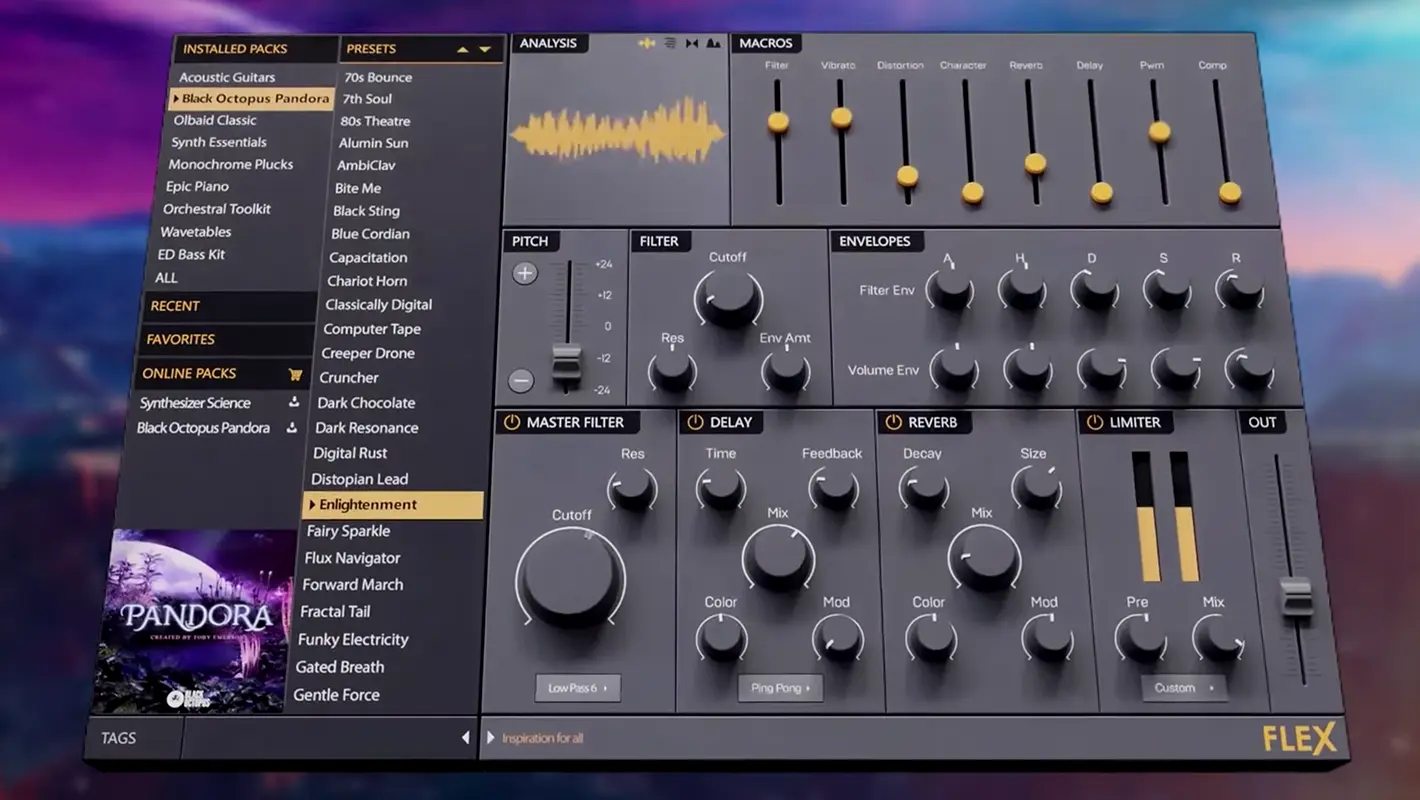
Piano roll precision
Edit melodies with ghost notes, quick quantize strategies, and humanization that keeps loops from sounding robotic.
A practical feature map · so you know where speed comes from, and what to learn next.
Edit melodies with ghost notes, quick quantize strategies, and humanization that keeps loops from sounding robotic.
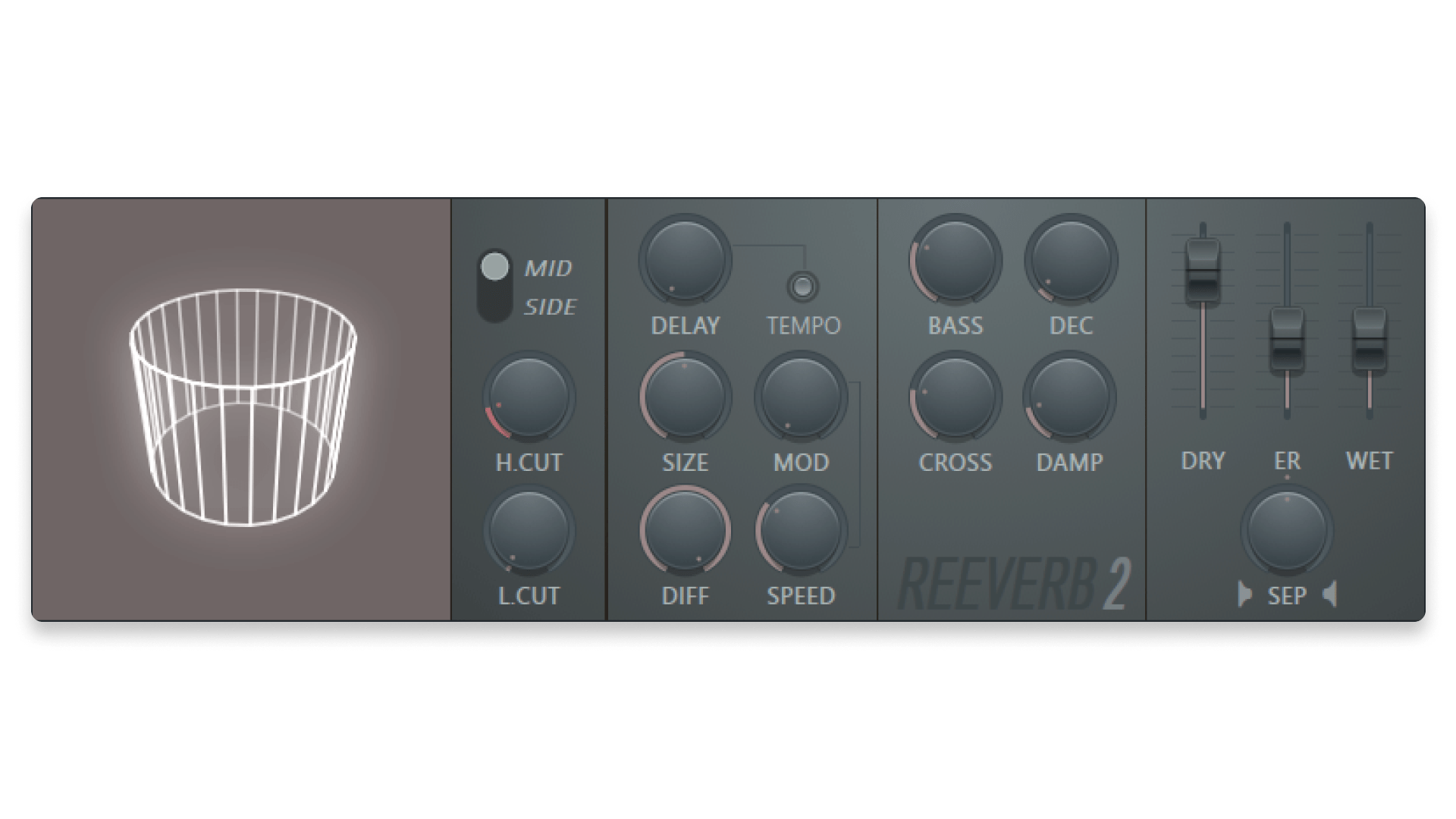
Bussing, parallel compression, and stem-ready routing patterns help you iterate mixes without rebuilding the session.
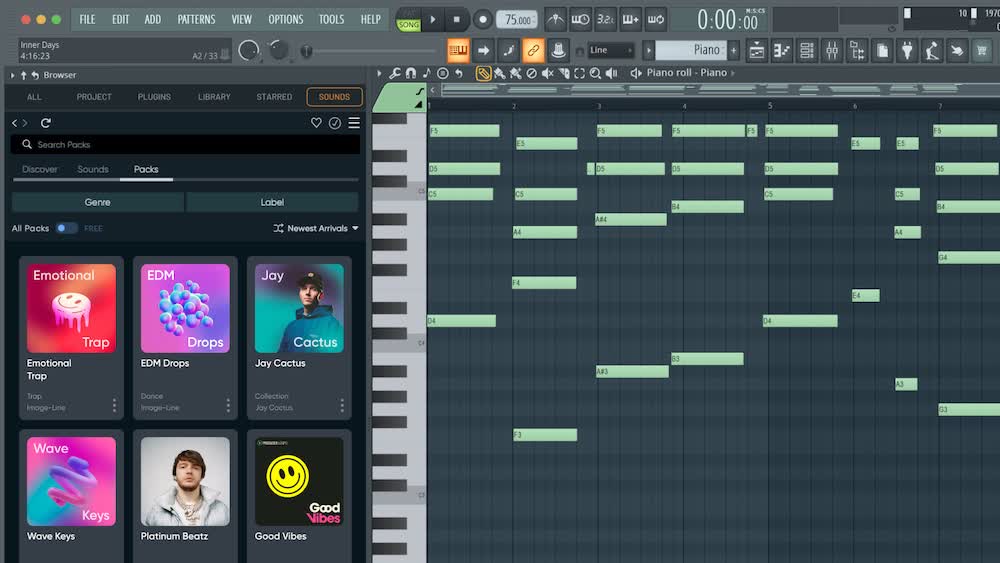
Pattern + Playlist workflows reward momentum: sketch hooks first, arrange second, polish last · without fighting the UI.
Chop, stretch, and automate clips with discipline: consistent gain staging keeps downstream processing predictable.

Shape tension using clip-based automation and mixer curves · small moves at the right moment beat constant tweaking.
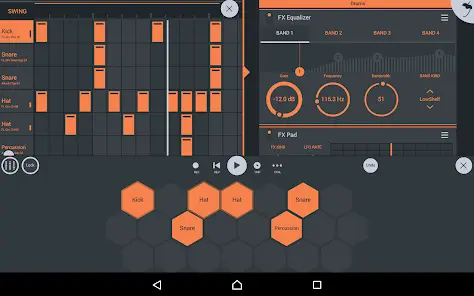
Naming, color coding, and versioned exports prevent the “mystery project†problem when you return a week later.
Strong producers repeat the same scaffolding: tempo and key, drum bed, harmonic loop, bass bridge to kick relationship, then vocal pocketing. FL Studio rewards that order when you keep patterns tidy and render decisions early.
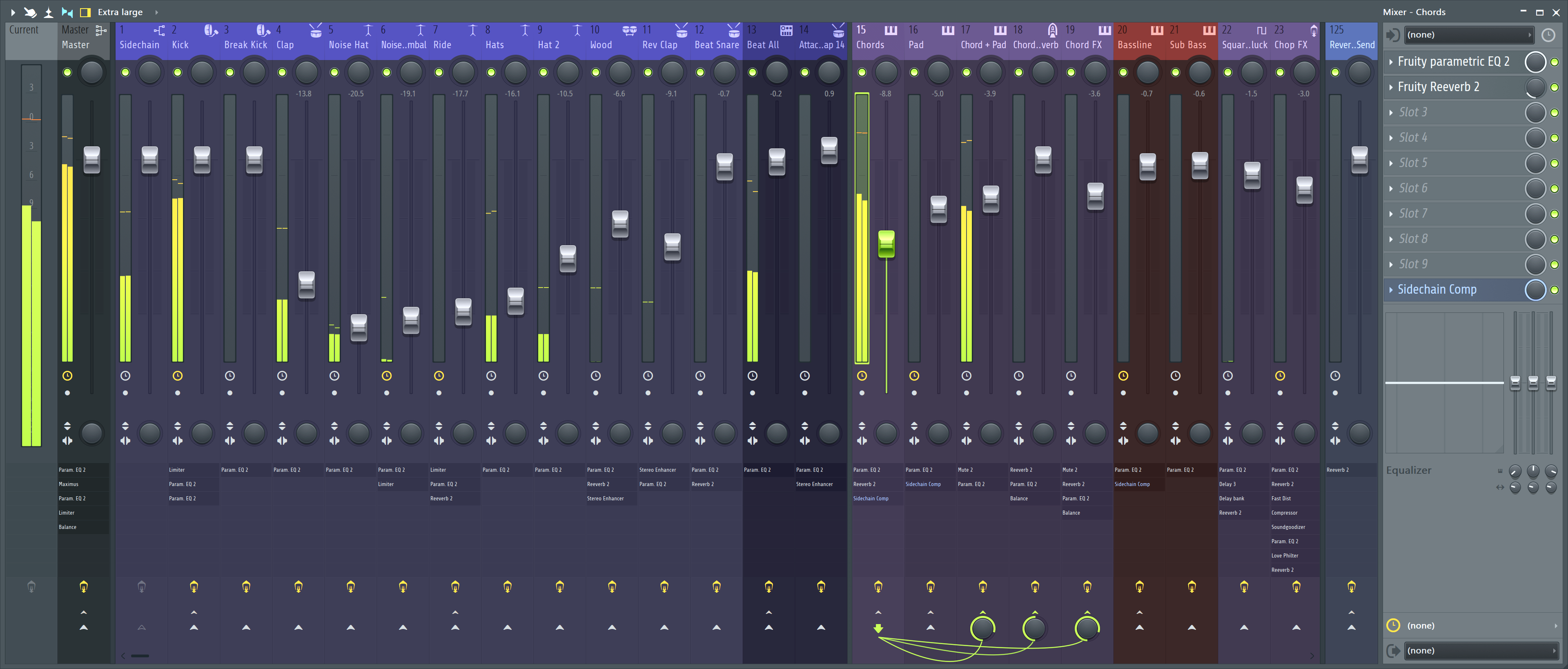
Pair tools deliberately · speed comes from sequencing the right moves, not from touching every control in one sitting.
Markers for sections, duplicated patterns instead of rebuilding clips, and one “master†playlist pass before micro-automation keeps arrangement changes cheap.
Commit synths to stems when you stop tweaking timbre. Keep MIDI duplicates muted in a backup pattern so recalls stay possible without loading dozens of instances.
One character EQ move, one dynamics stage, then time-based effects on sends. Reordering is fine · deep stacks without a plan inflate CPU and mask problems.
Patterns are ingredients; the playlist is the recipe. Duplicate a pattern to the timeline as clips, then change one copy per section · mutes, filter sweeps, or note edits · instead of maintaining six nearly identical patterns that drift out of sync.
Reserve “sound design rabbit holes†for dedicated passes. If the chord progression is not carrying the song, no supersaw layer will fix it · arrange first, then justify new textures.
Most “pro†width comes from shared space · not from twelve different reverbs at twelve different decay times fighting in the same room.
Route pads and keys to the same plate or hall at different send levels. Pre-delay and EQ the return once; your mix breathes together.
Ducking is not only EDM. Short releases on kick-to-bass ducking can clear low-end masks without brutal EQ notches everywhere.
Automate send level up for one word or snare hit · detail without printing a hundred new tracks.
MIDI stays flexible for weeks of harmonic experiments; audio commits a sound when you are done sculpting it. The trap is fifty tracks still in MIDI on deadline day · freeze or bounce the layers you are no longer editing so the mixer reflects what the audience will hear.
Slip-editing and time-stretch on clips fix feel without re-performing; use them when the pocket is close but not quite. Re-record when the tone or performance is wrong · no algorithm replaces intent.
Dig deeper on screen layout in Workspace and producer habits in Experiences.
Compression on groups shapes tone and motion; the final limiter mostly decides loudness and edge. If the mix feels flat before limiting, another brick on the master rarely restores punch · revisit drums, vocals, and bass interaction first.
Serial limiting · one gentle stage earlier plus one careful final stage · beats one angry processor doing all the work when transients still matter.
Extreme stretch introduces smear and grain · fine for texture, cruel on exposed vocals. Prefer smaller percentage moves or re-perform when intelligibility is the product.
Formant shifts on vocals change character fast; commit when the vibe locks so you are not chasing five half-percent tweaks across the whole album.
Dense curves look clever in screenshots; readable, intentional moves survive when you reopen the session after a tour or a client note.
Group related moves when the workflow allows · filter opens with brightness lifts feel like one gesture. Split lanes when you need independent mutes or parallel FX throws. Spike automation that fights the grid usually means the part wants a new take, not a hundred breakpoints.
Check kick, bass, and vocal centers in mono early. Haas-wide pads and chorused doubles collapse on phones and club stacks · beauty on monitors can be phase soup elsewhere. Fix the relationship first; stereo spread is the reward, not the foundation.
External synths and outboard returns need session sample rate and clock agreement before you chase “muddy†with EQ. Wrong clock shows up as thin highs, weird stereo, or clicks · treat it as infrastructure, not taste.
MIDI stays editable; audio commits performance. The feature set shines when you pick the right layer for the job · not when every track stays plastic forever.
Quantize strength is a style knob, not a morality test. Drums often want a tight grid; strings and keys may want partial quantize plus manual nudges on downbeats only. If every note lines up to the pixel, listeners feel machinery · leave a little drift where the pocket lives.
Freeze or print layers once you are done changing notes · CPU calms down and you stop “fixing†a sound that was already right. Keep a pre-bounce mute lane when the client might request dry stems later.